
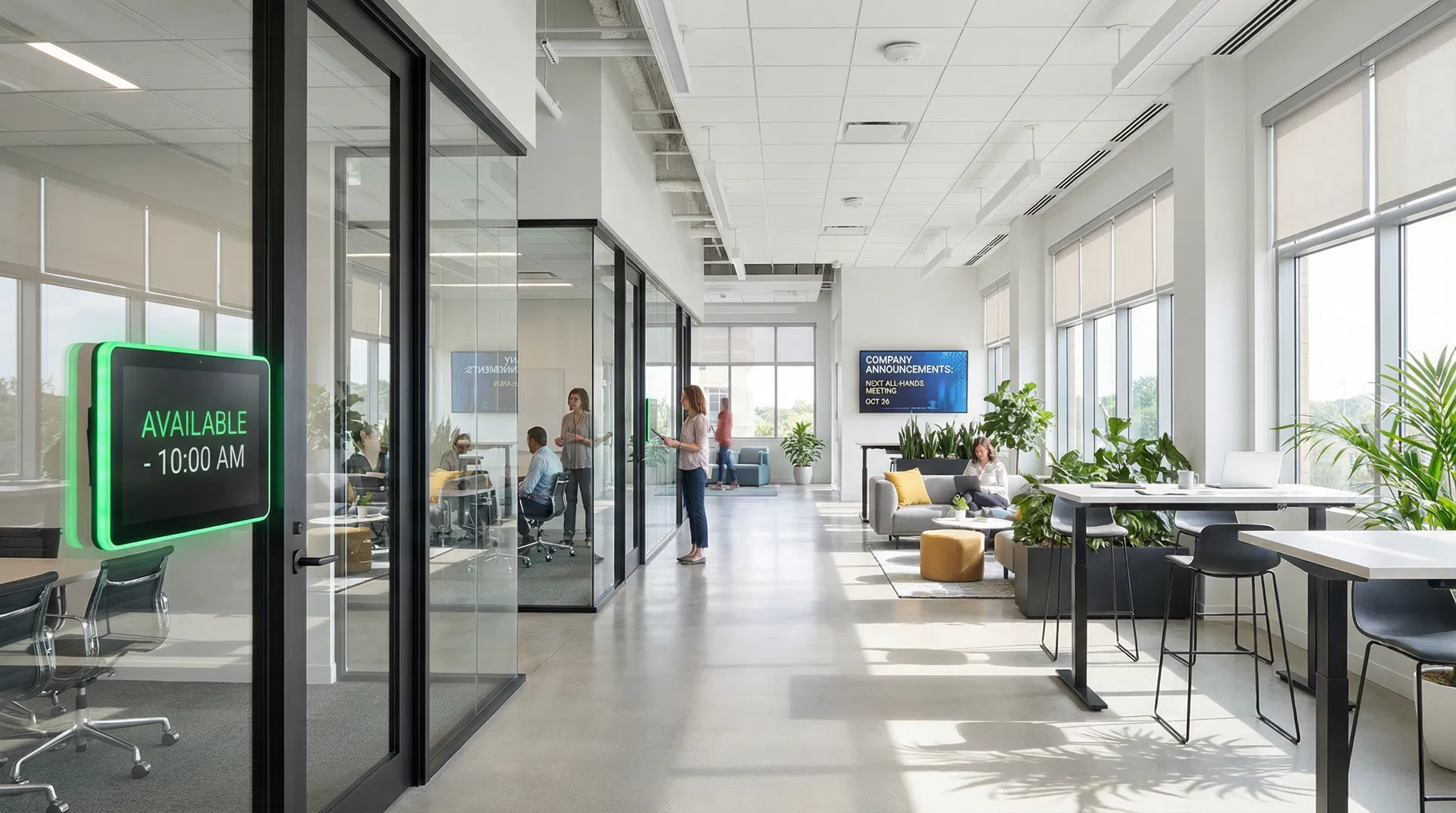
Microsoft Teams Rooms — One Touch, Every Time
If your business runs on Microsoft 365, your meeting rooms should too. Walk in, tap the screen, and you are connected.
What Is a Teams Room?
A Teams Room is a dedicated meeting space with a built-in computer, camera, microphone, speakers, and display — all pre-configured to launch a Teams meeting with one touch. It is not a laptop on a trolley; it is a purpose-built system designed for consistent, professional meetings.
Every room works the same way. Your team walks in, taps "Join" on the touch console, and they are connected. No laptops to plug in, no cables to find, no "can you hear me?" The technology is invisible — the meeting is the focus.
What We Include
End-to-end delivery, from design to ongoing support.
Design and consultation for your specific spaces
Hardware selection and procurement — Poly, Yealink, Logitech, Crestron (certified devices)
Professional installation and cable management
Microsoft 365 integration and configuration
Teams Admin Centre setup and management
Staff training — hands-on, not a manual
Ongoing support and proactive monitoring
Room Configurations
We design Teams Rooms for every size of space.
Huddle Room
2–4 people
Small focus room with a touch console, soundbar, and compact camera. Ideal for quick calls and 1:1 meetings.
Meeting Room
6–12 people
Standard meeting room with a large display, intelligent camera, ceiling microphones, and touch console.
Boardroom
14+ people
Large boardroom with dual displays, multiple cameras, distributed microphones, and room control panel.
All configurations available on our Hardware as a Service model — no capital outlay required.
Ready to bring Teams Rooms to your office?
Design Your Teams Room